Lock in

For busy marketing teams
Your entire ad workload












Workflow map
What takes time at each stage — and how CreometriX helps you run the work inside one project.
Posting expert content on social media
Creates expert posts and carousels for social media and keeps the posting calendar
Studying the business and product, collecting materials, audience research
Stores materials and prepares working documents
Coming up with and saving hypotheses, topics, copy and headlines
Creates and stores a clear spec for every batch of creatives
Ideas, images, variations, resizes, tweaks
Generates and edits banners, posts and carousels in every format
Sorting files and their versions into folders and documents
Specs are saved as project branches, and creatives are made and kept right inside the spec. No moving data around.
Sending files or a link to a client, partner or colleagues for approval and edits, waiting for a reply, regenerating, repeating.
Role-based access to all materials inside the project where they were just created. Regenerate on the spot. No moving data around.
Preparing ads, uploading to Meta, settings
Auto-upload via MCP is available. Direct publishing via API is coming soon
Checking results, exporting data, preparing reports, spotting winning combinations
Via MCP, or custom dashboards on request to support
New hypotheses, copy, variations, repeat approvals and campaign launches
Reuses materials and prepares the next ad campaign
One working context, from project setup to the next iterations.
New · teamwork
Create tasks right from a project, branch, folder or creative. The context fills itself in — no picking it all over again, no retelling it in chats.
Open an item and click “+” → “Create task”. The project, branch, folder and creative are already on the card, and a link takes you back to the original item.
Create task · project “KitchenAid”
Create a new branch, “Coffee grinders”
Open: KitchenAid
A task can create a new item — a branch, folder or project. It appears the usual way and gets linked to the task.
Create task · branch “Coffee makers”
Set up a folder for the spring campaign
Open: Coffee makers
The branch and project filled themselves in.
Create task · folder “Spring campaign”
10 creatives for the March 1 launch
Open: Spring campaign
The assignee sees where the result should go.
Create task · creative “Creative 02”
Make the background lighter
Open: Creative 02
The edit is tied to a specific creative — no need to hunt for it by screenshot.
01 / 03
Store your assets, run your projects and produce ad creatives in a single browser tab, without moving data between services.
A simple, clear file system at folder level.
A simple way to share information for approving versions and edits.
A simple, controlled way to produce quality creatives.
For those who work with:
The service creates content in every language in the world, with no limits
02 / 03
Trusted by businesses, agencies and freelancers. For whom “business process” is more than a buzzword, and who hold AI-made creatives to high quality standards.
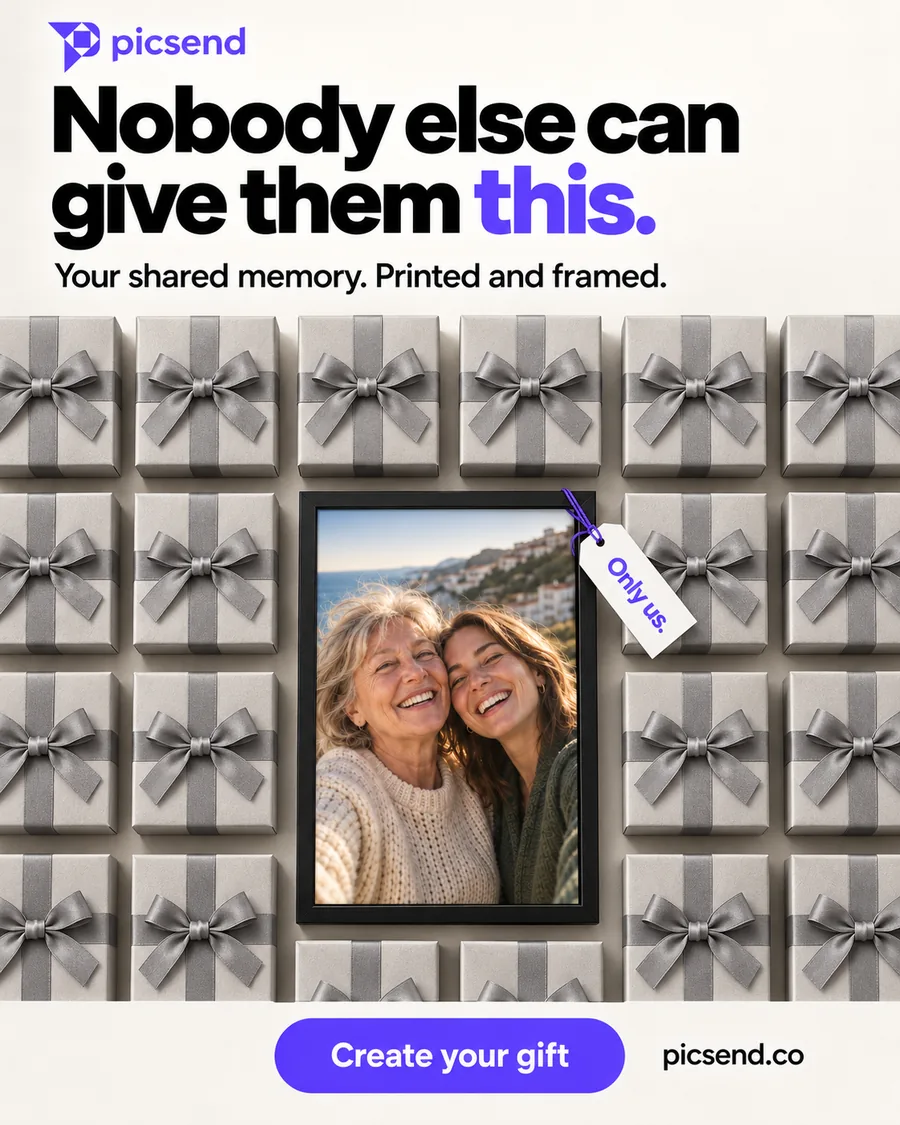
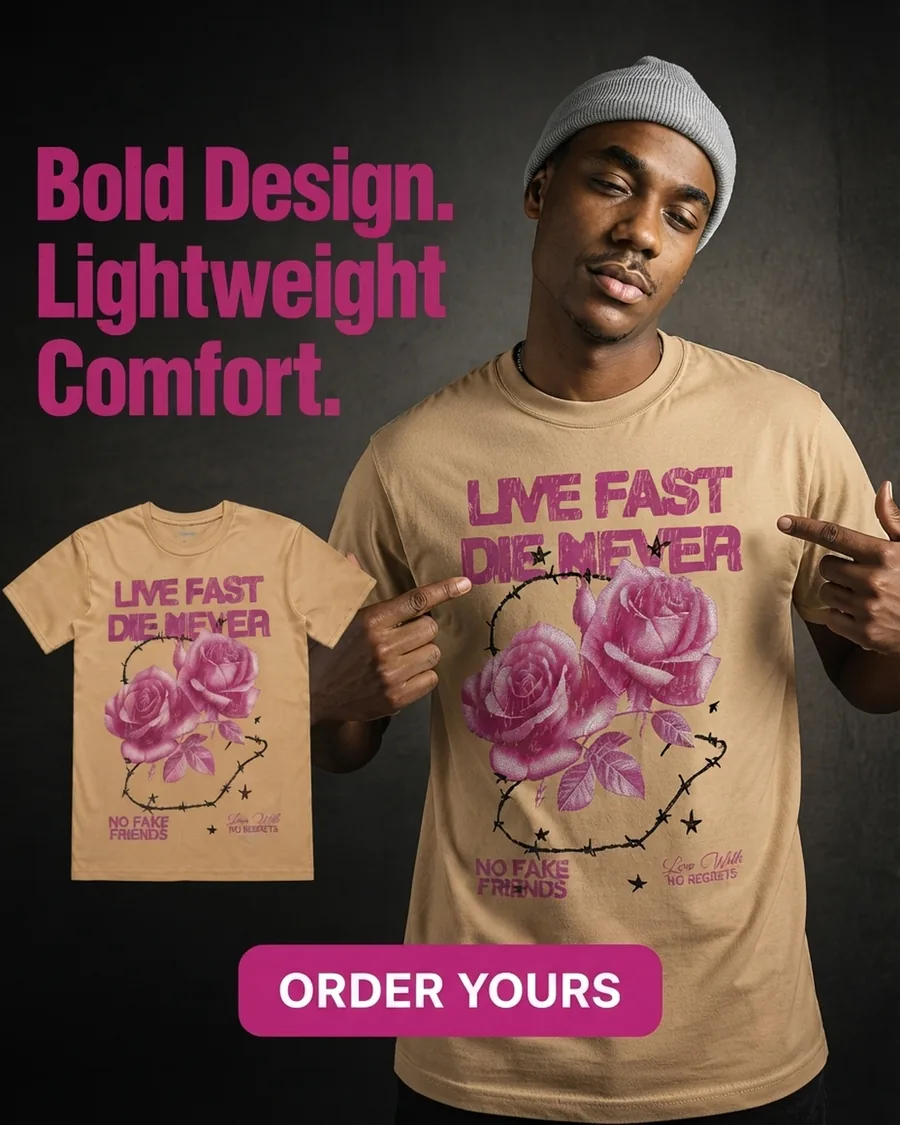

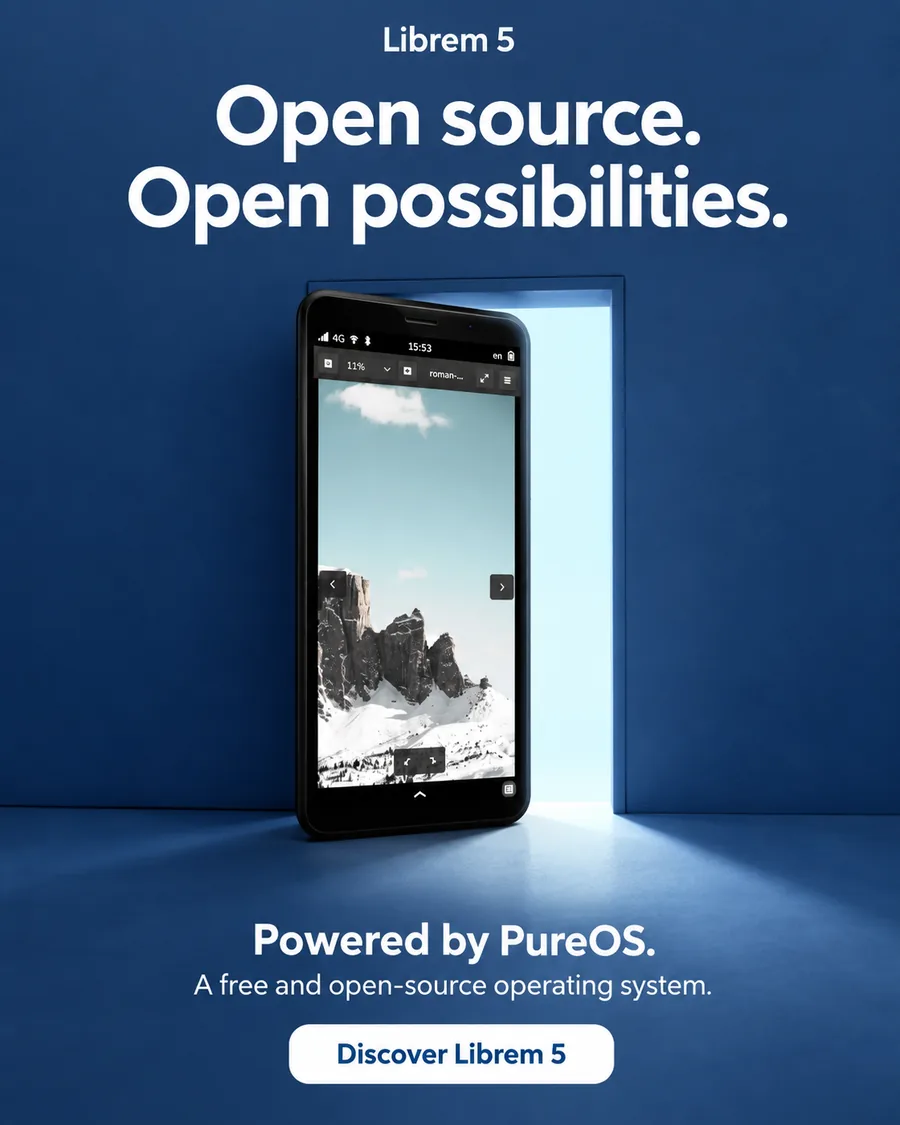


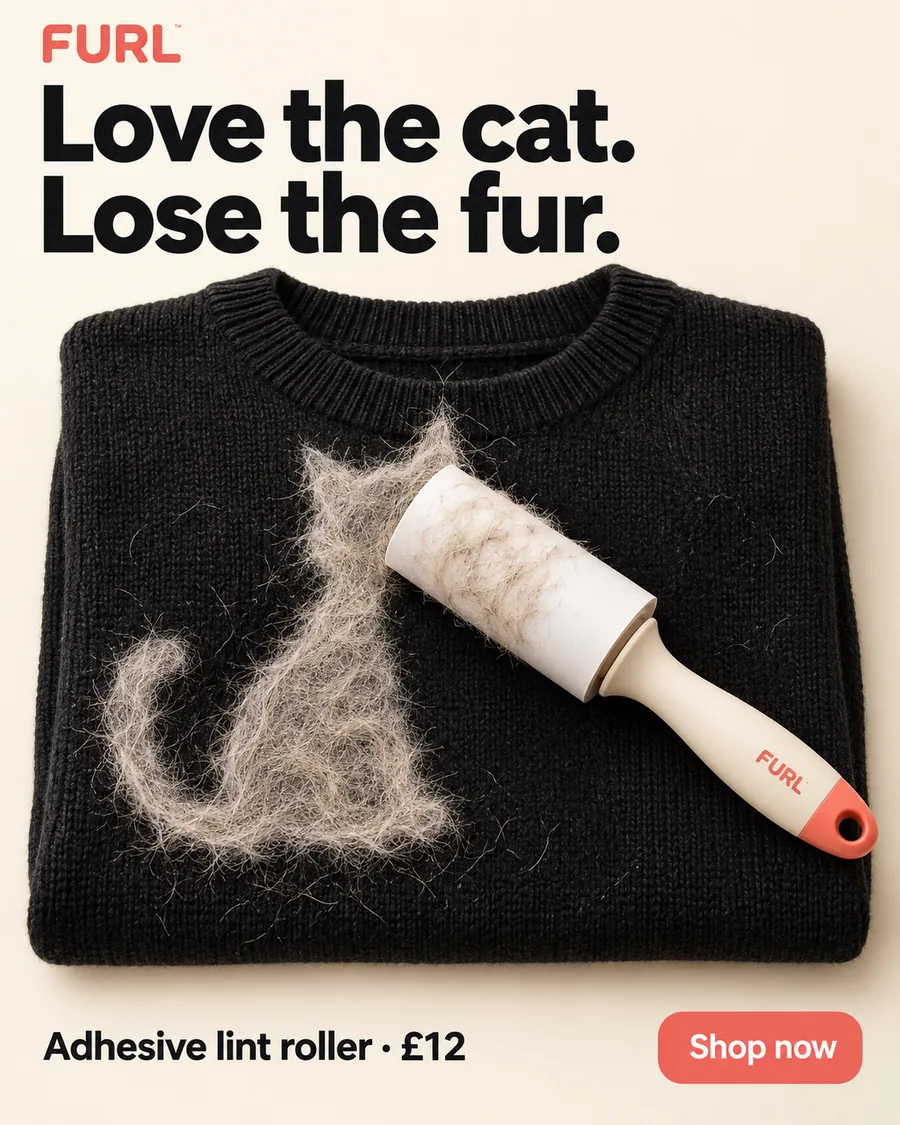








03 / 03
Specs, context, files, structure, versions — all organized.
20–100 creatives from saved context. Generation, edits, resizes.
Access, comments, statuses, getting materials ready to publish.
An estimate for producing 20–100 creatives with resizes from a fixed context. At 2–9 credits per output, the actual volume depends on the chosen mode, the number of retries and edits. €26 is the price of a monthly subscription with 200 credits, not necessarily the amount spent. Staff time for preparation, review and approval, as well as the cost of project management, is not included in the cost comparison.
Save your specs and brand assets — and start making creatives. Even if it’s your first time in CreometriX.
Pick up the work in one click right where you left off, while all creative specs and your brand voice are locked in inside the project from the start.
The client comments right on the creative. You make the changes and show the new version straight away.
Creatives are saved inside the spec as soon as they are made. No need to download them and move them to Google Drive and beyond by hand.
Super Creative mode suggests new ideas and unexpected angles when the usual solutions have run dry.
Create a project
I run operations for several business projects, including the startup Picsend, so what matters to me is not help with making creatives but a transparent and manageable process. I need to see deadlines, statuses and quality, and to know that nothing gets lost between tasks and people. After adopting CreometriX the process became far calmer and more predictable: everything runs on a clear system, deadlines no longer turn into constant stress, and control no longer requires me to be present in every detail.Valentina. Operations Director of a group of business projects. Latvia. · LinkedIn

I handle a lot of client projects, so it is important to ship a large number of creatives quickly while keeping full control over quality. For me it is essential that every element on the creative is under control, that references are interpreted precisely, and that the AI does not just assemble template solutions but suggests genuinely strong ideas. With CreometriX I built a process where I can keep up the production pace, control the result and get new creative directions at the same time.Vladislav. Freelancer. Thailand. · Threads

I am about to become the owner of a small flower shop in France, and I understand that reaching a younger audience is no longer possible without social media. I can write the copy and come up with ideas myself, but finding photos and making visuals and Reels takes an enormous amount of time. I am still learning CreometriX, but I already see the main thing: it delivers a better result much faster and for reasonable money. For a small business that is especially valuable — promotion should not become a second job for the owner.Lubov. Flower shop owner. France. · Threads

We launched Let's Gastro 2 years ago and, after 2 pivots, reached €600,000 in revenue. We need SMM just as much as our clients do. We went through 7 circles of hell with contractors and decided to do it ourselves. But that takes operational and creative skill, plus time. It turned out the process lived in an endless number of tabs: copy and hooks in Excel, brand voice in Figma, references in Word and folders. I wanted one button — SMM. We found the solution here, in CreometriX. Now, instead of weeks of waiting and edits, a weekly content plan takes 2 hours of work.Ilya Rozovsky. Operations Director, Let's Gastro. Berlin.
CreometriX / Features
Everything that makes ad creative production faster, easier and fully under your control. If you are curious, press the button — a block with the technical features will open: what is available now and what is coming soon.
Upload your finished creative in any format to our auto-resizer and get an exact copy in every size you need: 1:1, 4:5 and 9:16.
Try it free, in case it's not trueUpload an example and set the direction for the ad creative. That lets you take references and rework them for your own goals.
Give your own set of what the creative is made of: logo, product, model, slogan, CTA button. Pick the properties of the creative with buttons in the interface instead of explaining the idea to the AI in words forever.
Product, style and rules are saved for the next tasks. That gives stability and consistent quality — the machine does not need anything explained again, it has already remembered everything for good.
Save your working instructions and reuse them any time. No more copy-pasting prompts from your documents — they are always at hand when you need them.
Upload any model photo into the “Brand rules” section — a child, a woman, a man, even a goldfish. Then ask to apply that look on the creative with any changes you want: emotions, body position, anything.
Unlike other services, you can run any number of projects at no extra cost and give access to your account to as many people as you need.
The machine comes up with a creative idea for you. No need to ask for anything — just press START.
Commercial ad videos in Reels format, up to 15 seconds.
Every creative you get can be edited by hand, without regeneration.
Connecting CreométriX with external AI tools. That lets you use your own skills for generations.
Project data and assets — in your own or your client's Drive folder.
Sending finished ad assets straight to the ad account.
ChatGPT helps you create ads. CreometriX helps you run entire ad projects — and take on more work without the extra routine.
Start for free. Then one subscription with everything you need to launch and scale.
7 days. Card details are required. This protects us from scammers and freeloaders. You can always remove your card in your account’s billing settings. All financial data is protected by Stripe. So we are not tricking you and will never charge you without your control.
No tiers, no hidden limits. One credit — €0.13.
Terms are agreed on a call: production volume, integrations and support for your team.
We do not support businesses from the Russian Federation and do not accept payments by Russian cards.
Product news, live tests, insights and updates, AI news and useful links to marketing resources: it’s all in our Telegram channel for early users.
SubscribeUse a micro-prompt in the generation window — describe the style and composition in words. Or upload as many references as you like into the Brand voice section and repeat endlessly.
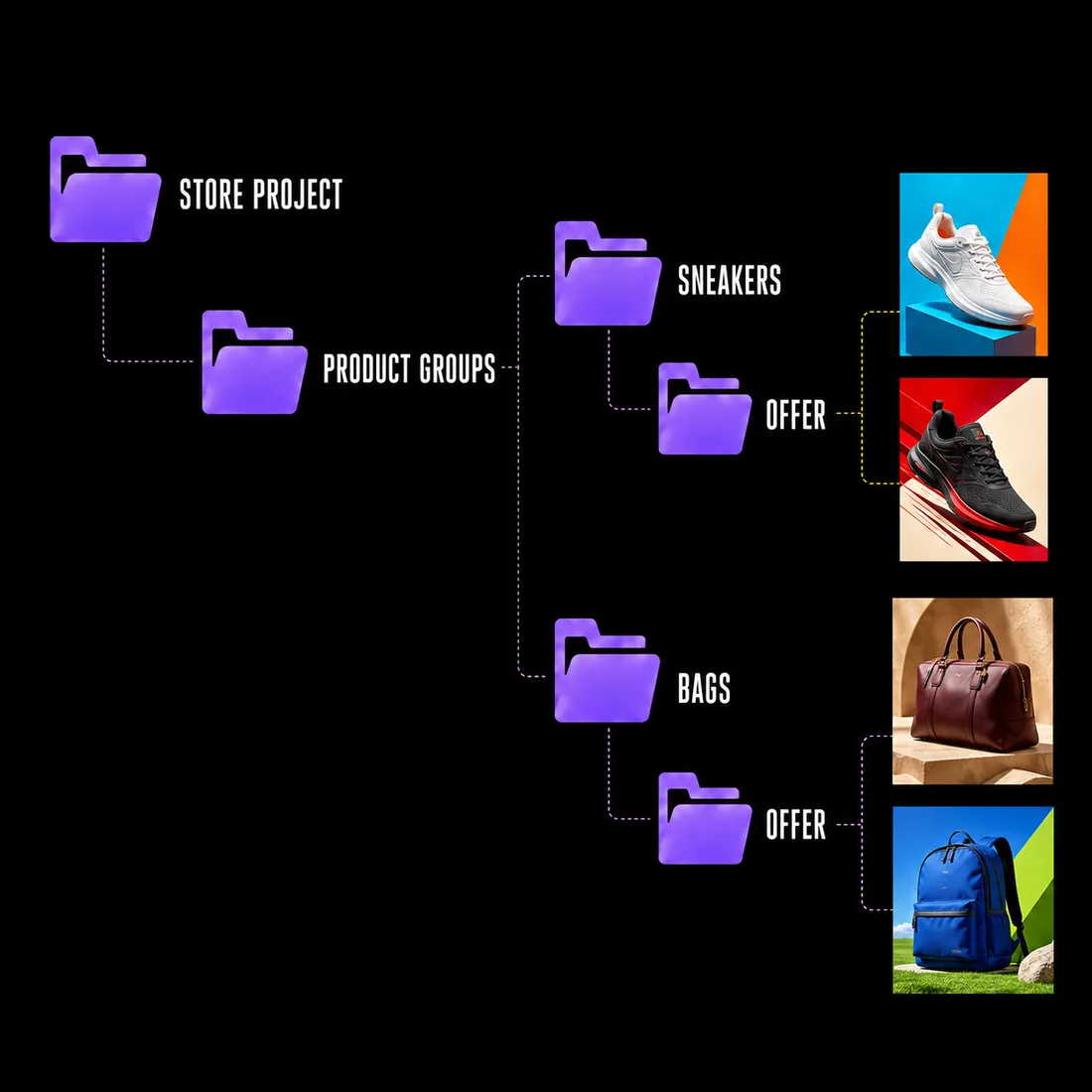
The same way as on Google Drive — with a sequence of folders. 1 folder = 1 unit of context. For example: Store → Product group or product → Audience segment → Offer 1 → Copy/Creatives. Each level can hold any number of folders, and there can be any number of levels. It all depends on your expertise and logic.
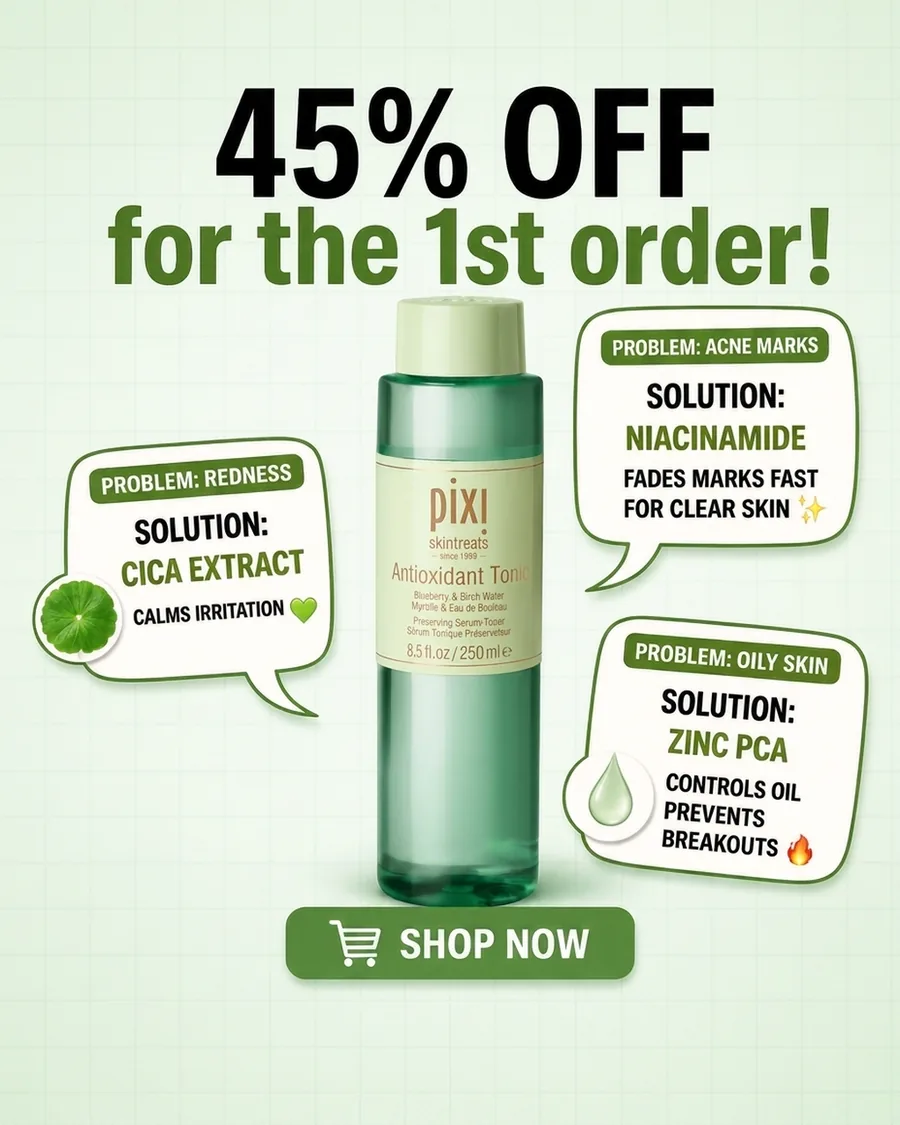
An ad creative in three formats: 1:1, 4:5 and 9:16. The headline, ad copy and images are stored together.
Product data, logos, colors and presentation rules are saved in the project. The next tasks reuse that context.
Yes. Save your instructions and examples in the project. Previous winning versions can also be used as a base for new ad creatives.
Yes. Upload your image and prepare versions in 1:1, 4:5 and 9:16.
The number of projects is unlimited. A client or a colleague can be given access to a project to review and approve the materials.
Yes. The trial lasts 7 days and includes 21 credits — that is 2 to 10 outputs. All features are available.
€26 per month. It includes 200 credits and all workspace features. One output — a bundle or a creative — costs 2–9 credits; one credit is €0.13.
Extra credits cost €0.13 each.